

How to manage large group reservations via WhatsApp
A reservation for twenty people is not the same as ten reservations for two — it is a special case with specific needs that deserve distinct attention.
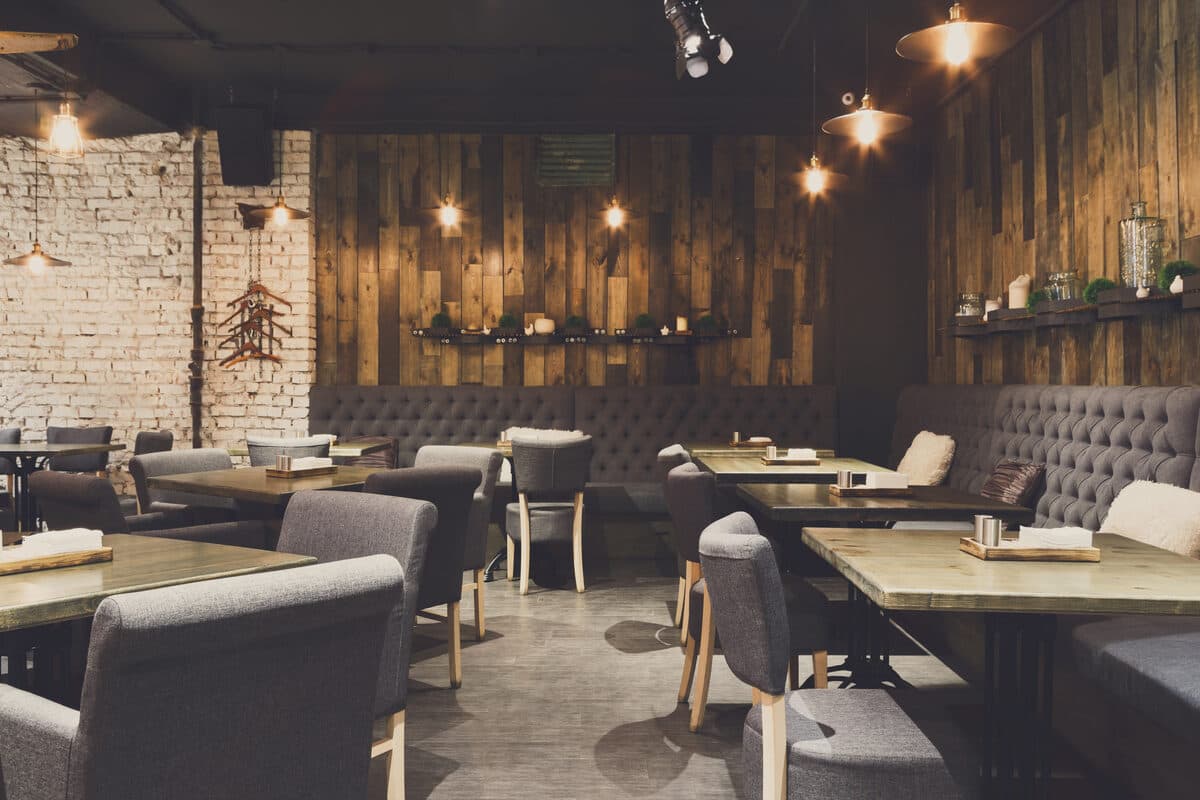
A large group reservation — a birthday, a corporate dinner, a family celebration — carries particularities that a standard reservation does not: it may require joining several tables, confirming a specific menu in advance, or reserving a space separate from the main dining room. Treating this request in the same automated way as a reservation for two would be a mistake.
This guide shows how to set up this differentiated flow in the WhatSMS automation builder, in four steps.
Step 1 — Define the threshold for what counts as a "large group"
Each restaurant can define the number from which a reservation starts being treated as a special case — it could be six people for a small space, or fifteen for a larger restaurant. In the visual editor, this threshold is defined in a condition node right after the reservation request.
Step 2 — Flag the request for human attention
When the number of people exceeds the defined threshold, the condition node directs the conversation to a handoff — a team member takes over the service, with an automatic summary of the request up to that point, instead of the flow continuing as if it were a normal reservation.
Step 3 — Collect relevant information before confirmation
Add a message node that explicitly asks for dietary restrictions common to the group, the need for a specific space, or time limits to vacate the table. Collected right in the initial conversation, this information avoids surprises on the day of the event.
Step 4 — Confirm with reinforced attention closer to the date
Configure a second trigger, closer to the reservation date, to confirm final details — including whether there will be a specific menu or if each person chooses individually. The impact of a last-minute cancellation or change is greater in this type of reservation, so this reinforced confirmation is worth the extra effort.
What else automation helps solve
Even though it is a special case, the initial registration of the request, the automatic reminder, and the confirmation communication continue to benefit from automation — what changes is the level of additional human attention the process receives before being definitively closed.
Overall, treating these reservations with differentiated attention, while still benefiting from base automation, is the balance that best serves both the restaurant and the customers celebrating a special occasion.
You can configure this differentiated flow for free, adjusting the criteria to what makes sense for your restaurant.
Frequently asked questions
How does the system automatically identify that a reservation is for a large group?
Through a condition node in the reservation flow, which compares the number of people indicated by the customer with the threshold defined by the restaurant, flagging the request for human attention when that threshold is exceeded.
Can I request additional information only from large groups without affecting standard reservations?
Yes — the condition node directs only requests above the threshold to a message with extra questions (dietary restrictions, specific space, time limits), keeping the normal flow unchanged for smaller reservations.
Is it possible to transfer the conversation to a team member after the AI agent's initial response?
Yes, through a human handoff, with an automatic summary of the conversation up to that point — the person taking over does not need to re-read everything from the beginning.
Can the "large group" threshold be different on high-demand dates?
The flow's condition criteria can be adjusted manually as needed, but there is currently no automatic rule to change it based on the date — that decision remains with the restaurant.