

How to send last-minute promotions via WhatsApp
A night with empty tables doesn't have to stay that way until the end of the shift. A targeted promotion, sent at the right time, can still change the outcome.
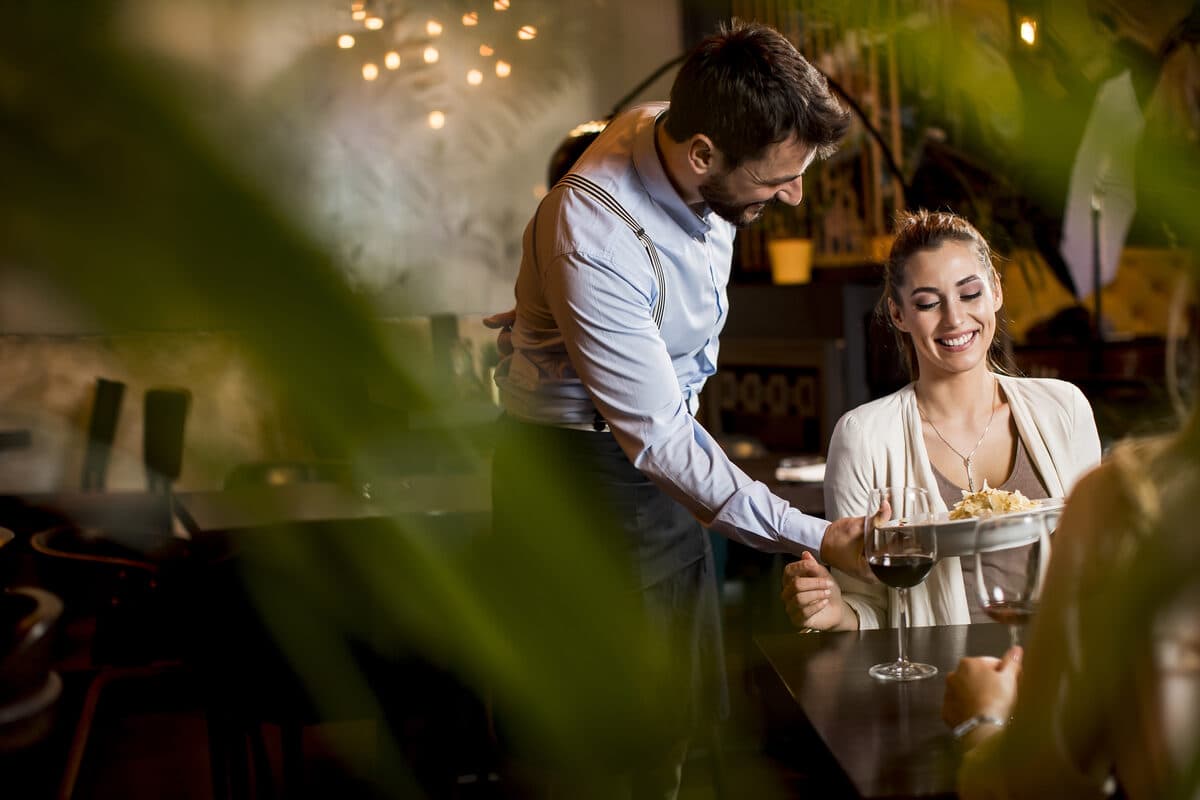
A night expected to be full can, for various reasons—bad weather, cancellations, a scheduling coincidence—end up with empty tables that no one expected. Discovering this halfway through the shift leaves little time to react through traditional marketing channels, but still leaves enough time for a direct message to the right customers.
This guide shows how to set up this one-off campaign in four steps, using mass campaigns from WhatSMS.
Step 1 — Segmenting the right contacts
Before writing the message, segment your contact database by behavior or history—customers who live or work nearby, who have visited the restaurant recently, or who have shown interest in a specific type of meal are more likely to respond positively to a last-minute invitation than a generic, unfiltered list.
Step 2 — Writing the message with dynamic variables
Use dynamic variables, such as the customer's name, so the message doesn't look like a generic mass blast. Communicate opportunity, not desperation—for example, a one-off discount on a table available tonight, presented as a benefit to those who respond quickly.
Step 3 — Choosing the right sending mode
For a one-off campaign to contacts who have recently interacted with the restaurant, the Android QR connection mode is sufficient; for a larger campaign directed at a wider contact base, the formal structure of the WhatsApp Cloud API is the most appropriate option.
Step 4 — Scheduling and monitoring results
Schedule the delivery for the right time of the night and let the sending rhythm be phased, rather than fired all at once—this reduces the risk of blocks and gives you time to monitor delivery, read, and response reports while the campaign is running.
Frequency and seasonality
A last-minute promotion only maintains its sense of urgency if it doesn't become predictable—if a restaurant always sends the same offer on Tuesdays, for example, customers stop reacting with the same speed because they no longer feel it's a rare opportunity. Before sending, it is also worth confirming that the table in question is still actually available.
Over several attempts, it is worth observing which type of offer generates the best response, adjusting the approach based on what effectively works at your restaurant.
There is no guarantee that every table will be filled—but the cost of sending the message is practically nil compared to the cost of a table that remains empty without any attempt to fill it. You can test this type of campaign for free.
Frequently asked questions
How do I prevent the last-minute promotion from looking like spam?
By segmenting well before sending—directing the message only to contacts with a real history with the restaurant—and spacing out the campaign's sending rhythm, instead of blasting everything at once to the entire contact database.
Can I schedule the promotion to go out in an hour, instead of sending it immediately?
Yes—the campaign can be scheduled for a specific time, which is useful for preparing the message in advance and firing it only when the evening's situation is confirmed.
Can I see how many people read or responded to the promotion?
Yes—the campaign generates delivery, read, and response reports, allowing you to quickly see if the promotion is working while the night is still ongoing.
Which sending mode is most suitable for a one-off, small promotion?
For a small list of contacts who have recently interacted with the restaurant, the Android QR connection mode is sufficient; for a larger, more frequent campaign, the formal structure of the WhatsApp Cloud API is more suitable.
Can I personalize the message with each client's name?
Yes—the campaign supports dynamic variables, such as the client's name, which makes the message less generic than a mass blast without any personalization.