

How to automatically send check-in instructions via WhatsApp
How to automate sending arrival instructions before the stay and a review request after checkout, without depending on someone remembering to do it.
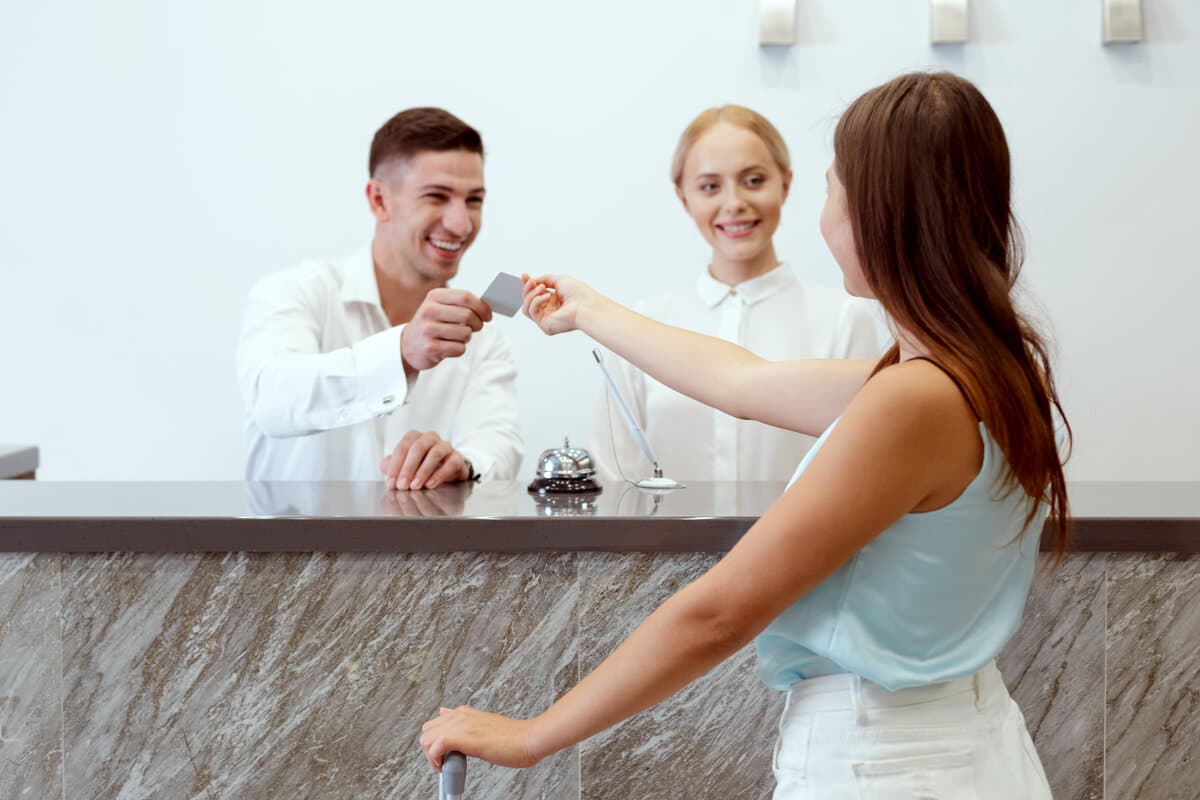
The guest arrives not knowing where to park, how to access the keys, or what the wifi password is — and after checking out, rarely does anyone ask for feedback, because there's no time or process for it anymore.
This guide shows how to automate both messages with WhatSMS's Mass Campaigns.
Step 1 — Create the arrival instructions message
Write a message with access instructions, check-in time, wifi, and useful contacts, and configure automatic sending before each booking's arrival date.
Step 2 — Create the thank-you and review request campaign
Configure a second message, scheduled for after the checkout date, thanking the guest for their stay and asking for a review — without depending on someone remembering to send it manually.
Step 3 — Confirm sending per booking on the connected calendar
Since the calendar is connected to the platform, each recorded booking automatically triggers the messages on the right dates, without needing to configure each send individually.
Why this improves the experience without extra work
A more predictable arrival for visitors, and reviews requested consistently, without depending on someone remembering to do it in the middle of the property's daily operations.
You can create this account for free and configure these two automatic messages before any commitment.
Frequently asked questions
What information can I include in the arrival message?
Access instructions, check-in time, wifi password, and useful contacts — everything you currently explain manually to each guest before arrival.
Does this replace personal contact with the guest?
No — it automates what's repetitive (instructions and thank-you), leaving the team available to respond to requests that really need personal attention.
Is the review request sent automatically after checkout?
Yes, you can configure sending a thank-you message with a review request after the guest's checkout date, without depending on someone remembering to do it manually.
Which channels can I send these messages through?
WhatsApp, SMS, or Email, through automatic campaigns configured once and triggered according to each booking's date.