

How to Digitize a Clinic's Front Desk Without Complicating the Process
Going digital doesn't mean buying ten new tools. It means getting rid of the ideas in your head and on the reception desk that can take care of themselves.
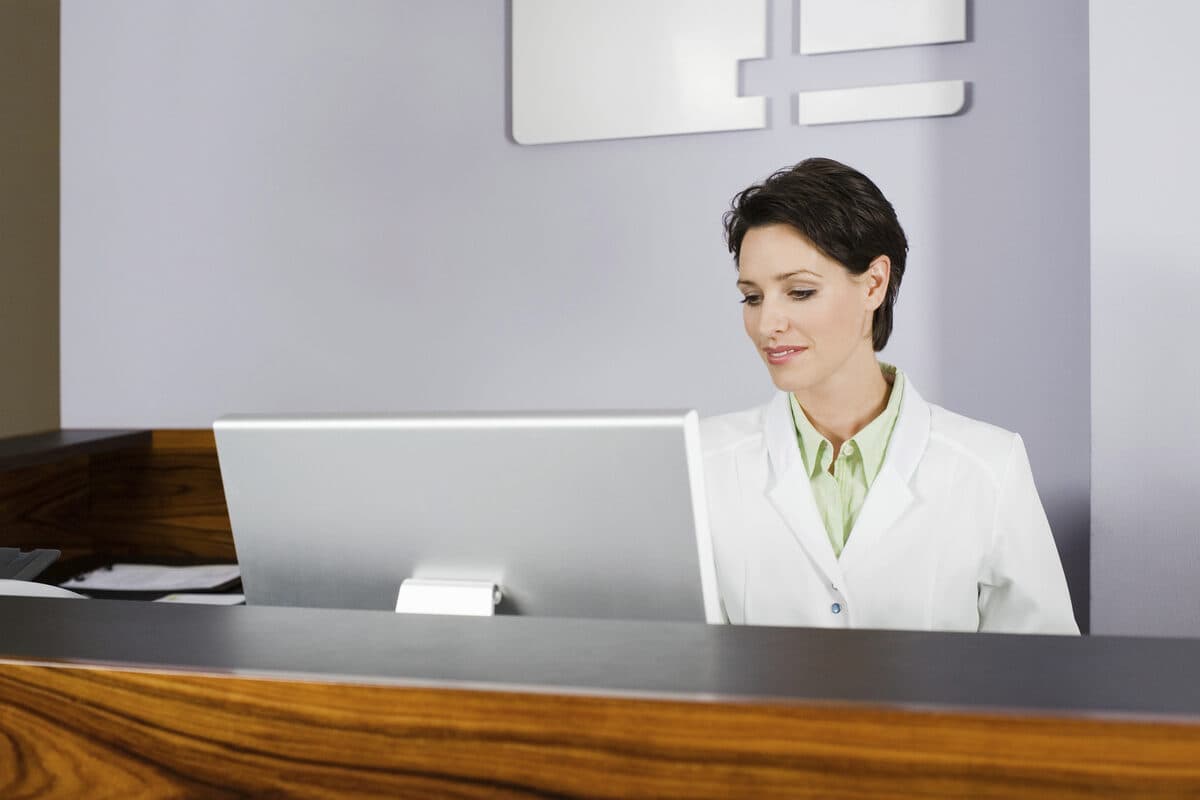
When people talk about “digitizing a clinic,” the image that comes to mind is almost always the same: a complex system, a lengthy migration, training for the entire team, and the real risk that things will go wrong during the transition period. No wonder so many small clinics put off this decision year after year—the process, as it’s usually presented, costs more than it seems worth.
The Mistake of Thinking About “Digitizing Everything at Once”
A clinic’s front desk isn’t a single process—it’s a sum of small, repetitive tasks: confirming appointments, answering “what time is my appointment,” rescheduling when someone can’t make it, sending reminders, and managing an informal waiting list when the schedule is full. Trying to digitize everything at once, with a single, rigid system, is usually where projects fail.
The most effective alternative is different: start with the channel that the team and patients already use—the WhatsApp—and automate, one by one, the tasks that currently take up time without requiring human decision-making.
Where to Start, in Practice
Step 1 — Connect the Channel
The first step is to connect the clinic’s WhatsApp number to the platform, via QR code using a cell phone Android or via WhatsApp Cloud API. This does not replace your current number—it simply allows you to manage it centrally, so the entire team can view the same conversations instead of relying on a single personal cell phone.
Step 2 — Sync the calendar
Next, connect the clinic’s calendar (Google Calendar or Microsoft Outlook). This connection allows the system to know, in real time, which time slots are available, which are booked, and to suggest alternatives when someone asks to reschedule.
Step 3 — Let automation handle the repetitive tasks
With the channel and calendar connected, confirmations, reminders, and responses to the most common questions now happen without manual intervention, through the workflow editor. The team only steps in when the situation truly requires a person—which, in practice, is a small fraction of the total volume of messages.
What Still Needs to Be Done Manually
Digitization doesn’t mean removing the team from the equation. Specific clinical cases, unusual questions, or situations that require sensitivity still need a person—and that’s exactly why it’s worth automating the rest: so there’s time and attention left for the situations that really matter.
There is no set timeline for this transition, as it depends on each clinic’s starting point. What there is, however, is a risk-free way to get started: You can create a free account to launch a channel, sync your schedule, and see the actual impact after just a few weeks, before making any major commitments.
Frequently asked questions
Where should a small clinic start when digitizing its front desk?
Through the channel you already use in your daily life—the WhatsApp—by linking it to your calendar and automating repetitive tasks one by one, rather than trying to replace the entire system all at once.
Do we need to switch to a different clinic management system for this to work?
No. WhatSMS integrates with your existing calendar (Google Calendar or Microsoft Outlook) and with WhatsApp, without requiring you to replace other systems you’re already using.
How long does this digitization process take?
There is no set timeline—it depends on each clinic’s starting point. Integrating the channel and the schedule is quick; the rest involves gradually fine-tuning the automation workflows.
Does the team need technical training to use this?
No extensive technical training is required—conversations are managed from a single dashboard, with a learning curve similar to that of any messaging app.
Does this eliminate the need for a human receptionist?
No. Automation handles the repetitive tasks; specific clinical cases, unusual questions, and sensitive situations continue to be referred to the team.