

How to communicate with restaurant customers via WhatsApp
Reservations are only one part of communication. There is a whole space before and after — questions, feedback, loyalty — that can also live on the same channel.
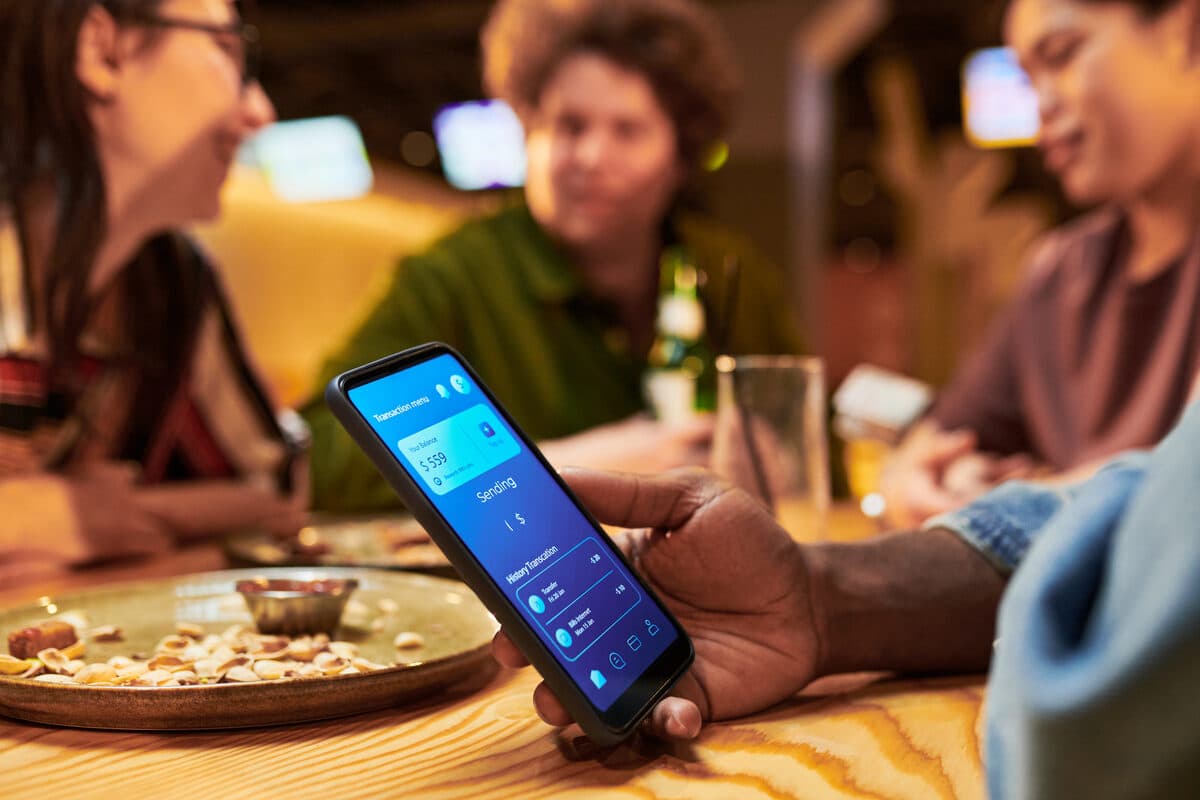
When talking about WhatsApp for restaurants, the conversation almost always centers on reservations — and with good reason, as it is the most immediate use case. But a restaurant's relationship with its customers goes beyond the moment of booking: there is communication before (questions, special requests), during (last-minute adjustments), and after (feedback, loyalty).
Before the reservation: clarifying doubts
Questions about the menu, dietary restrictions, or availability for larger groups — all can be answered directly in the same conversation where the booking will take place, without forcing the customer to look for that information elsewhere.
During the process: friction-free adjustments
If something changes between the reservation and the day of the visit — number of people, time, a special request — the customer can communicate this directly, without needing to call or repeat all the information from the original reservation.
After the visit: gathering feedback
A simple message after the meal, asking how the experience went, gives the restaurant a direct way to collect feedback — and to quickly identify a negative experience before it becomes a negative public review online.
Loyalty with moderation
For customers who have already visited the restaurant and given consent to receive communications, an occasional message about a new menu item or a special event can keep the relationship alive — always with respect for frequency, so as not to become intrusive.
A single conversation, the full history
Each customer maintains a complete history of all these interactions in the unified inbox, regardless of whether they happened before, during, or after a visit — which allows the team to recognize a regular customer and adapt the tone of communication accordingly.
Handling a complaint with care
If the feedback collected after a visit is negative, that conversation should be handled with immediate human attention, not a generic automated response — it is precisely in these cases that the complete history of the customer relationship helps to respond in a more appropriate and personal way.
Respecting silence when it's the right answer
Not every customer wants to receive follow-up messages after a visit — respecting those who prefer not to be contacted, without being pushy, is as important to the relationship as staying in touch with those who actually want to continue receiving news.
You can test this broader approach at no cost with a free account, starting with reservations and expanding as it makes sense.
Frequently asked questions
Is the entire conversation history with a customer kept in the same place?
Yes — the WhatSMS unified inbox maintains a searchable history of every conversation, regardless of whether it started before, during, or after a visit to the restaurant.
Can I send a feedback message automatically after each visit?
Yes, through an automation flow with a time trigger, which fires a follow-up message some time after the reservation time.
How does a complaint reach the right person on the team?
Conversations can be assigned to a specific agent, with internal notes and transfers that maintain context — which prevents a complaint from being lost or answered without knowing the customer's history.
Is it possible to segment loyalty messages by customer type?
Yes, through tags and filters applied to contacts in the inbox, which allow sending campaigns targeted only to regular customers or specific segments.