

How to automate table confirmation and reduce no-shows in a restaurant
A step-by-step guide to setting up automated WhatsApp confirmations that validate the number of guests — and reduce no-shows without overwhelming your team.
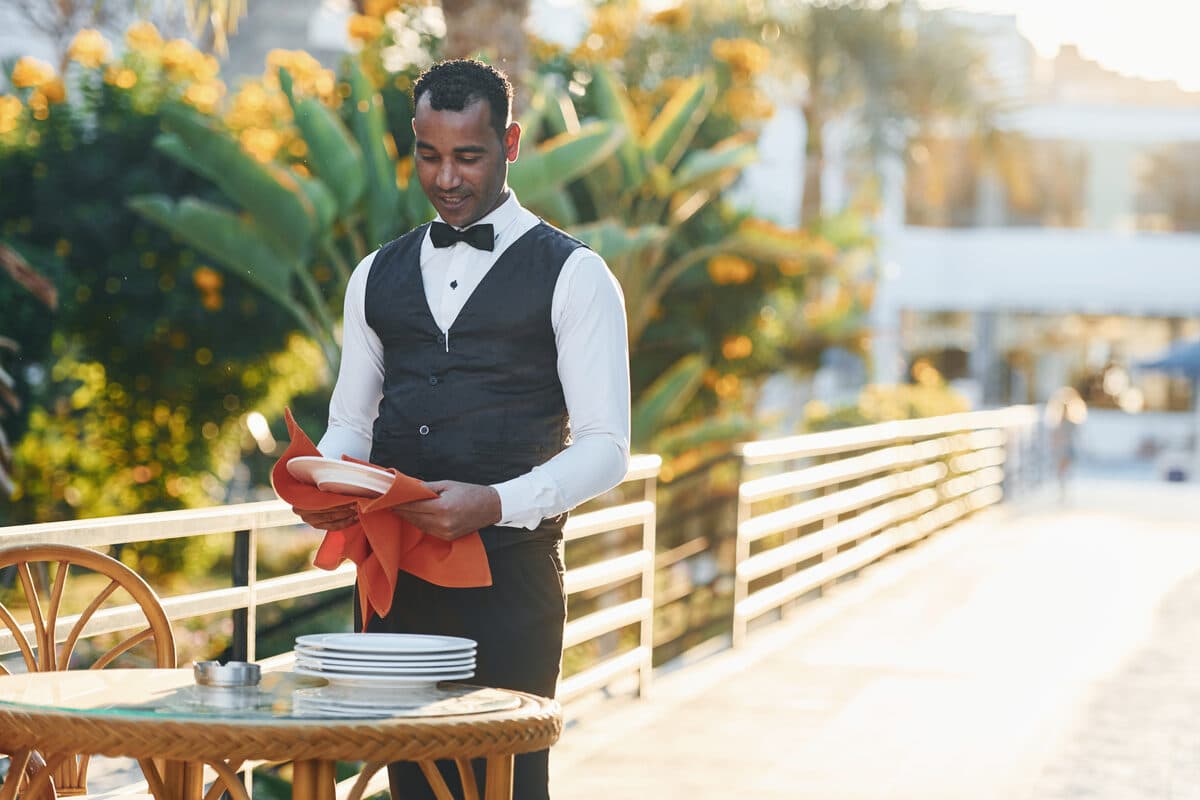
Confirming a table is not just about confirming a time — it is also about confirming the number of guests, and that is where many manual confirmations fail silently, leading to partial no-shows (fewer people than reserved) or tables poorly sized for the actual group.
This guide shows how to set up this WhatsApp confirmation flow in four steps, using the automation builder from WhatSMS.
Step 1 — Create the confirmation flow
In the drag-and-drop visual editor, drag a time-based trigger node (e.g., 24 hours before the reservation) followed by a message node with a ready-made "booking confirmation" template. It is the same type of template used for calendar reminders, adapted to restaurant reservation management.
Step 2 — Ask to confirm the number of people, not just the time
Edit the node's message to explicitly ask if the number of people remains the same — not just if the reservation is still valid. This gives the customer space to correct the group size (whether it has grown or decreased) before service, instead of the team finding out about the change at the door.
Ready-to-copy message template: "Hello [Customer Name] 👋 We are confirming your reservation for today at [Time], for [Number of people] people. Does this still work for you? Reply YES to confirm or indicate the new number of people."
Step 3 — Link the response to an automatic action
Add a condition node following the customer's response: if the number of people changes, the flow triggers an internal notification for the team to adjust the assigned table before service begins. If the reservation is cancelled during confirmation, the slot is immediately freed up in the dashboard — reducing the impact of no-shows on the night's reservation management.
Step 4 — Record special requests in the same flow
If the reservation includes a special request — a table by the window, a high chair for a child — associate this note with the reservation in the same message node. It becomes visible to the entire team preparing the dining room, without relying on someone having to verbally communicate the detail between shifts.
Why this reduces no-shows, in practice
Automated WhatsApp confirmation solves two problems at the same time: it reduces total no-shows (the customer confirms or cancels early, rather than simply not showing up) and reduces partial no-shows (the table is adjusted to the actual number of people, not the number reserved days ago). Both have a direct impact on reservation management and the profitability of a service night.
A small adjustment like this, replicated for every reservation of the month, has a cumulative effect far greater than it seems in isolation on a single night.
You can create this confirmation flow for free on the free WhatSMS account and test it with your restaurant's real reservations before making any commitment.
Frequently asked questions
Does the customer need to have my number saved in their contacts?
No. Confirmation messages arrive like any regular WhatsApp Business conversation; the customer replies directly in the chat, without needing to save anything beforehand.
What if the customer replies with something non-standard (neither 'yes' nor a number)?
The flow can include a fallback node that routes the conversation to a human agent whenever the response doesn't match an expected option — this prevents the reservation from getting stuck in limbo due to an ambiguous answer.
Does the automated confirmation replace the confirmation phone call?
In most cases, yes — but the flow can be configured to escalate to a phone call only for large group bookings or on critical dates (e.g., the eve of a holiday), where the risk of a no-show has a greater impact.
How long before the reservation should I send the confirmation?
The most common starting point is 24 hours before, with an additional reminder 2-3 hours before for same-day bookings — but the trigger is configurable, and you can adjust it according to your restaurant's no-show patterns.
Does this also work for group bookings or events?
Yes, and this is where confirming the number of people matters most: for large groups, a last-minute change has a greater impact on table layout than it would for a couple — it is worth confirming further in advance in these cases.